← All guides
🏌️
Run a “Who’s in?” game
The easiest way to organize the regular game. Create an open game, drop the link in your group chat, and people tap to say they’re in — no app, no roster wrangling. When you’re ready, it becomes a scored round in one tap.
- 1
Create the game
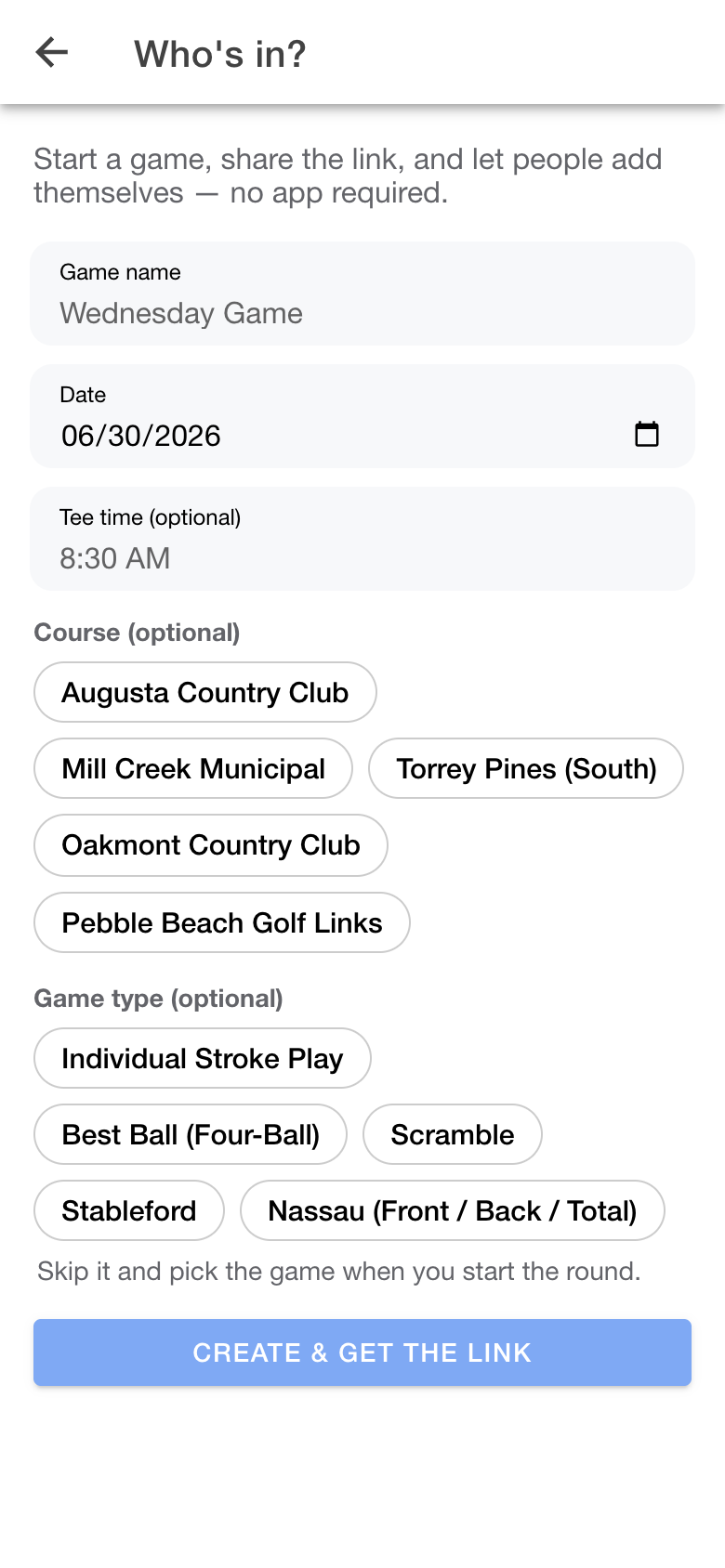
Give it a name and a day (and optionally a course, tee time, and the game type). That’s it — you get a share link.
- 2
Share the link
Drop it in your group chat. Anyone who opens it sees the game and taps “I’m in” — signing up takes a few seconds, and net games can grab their handicap right there.

- 3
Start the round
When the group’s set, tap Start the round and everyone who’s in is dropped straight into the scorecard. Next week, “Run it back” clones the whole thing.