Start a quick round
A casual round is the heart of BirdieBoard. Pick a course, drop in whoever you’re playing with (no app required for them), choose the game, and you’re scoring live with bets and stats handled for you.
- 1
Open “Start a round”
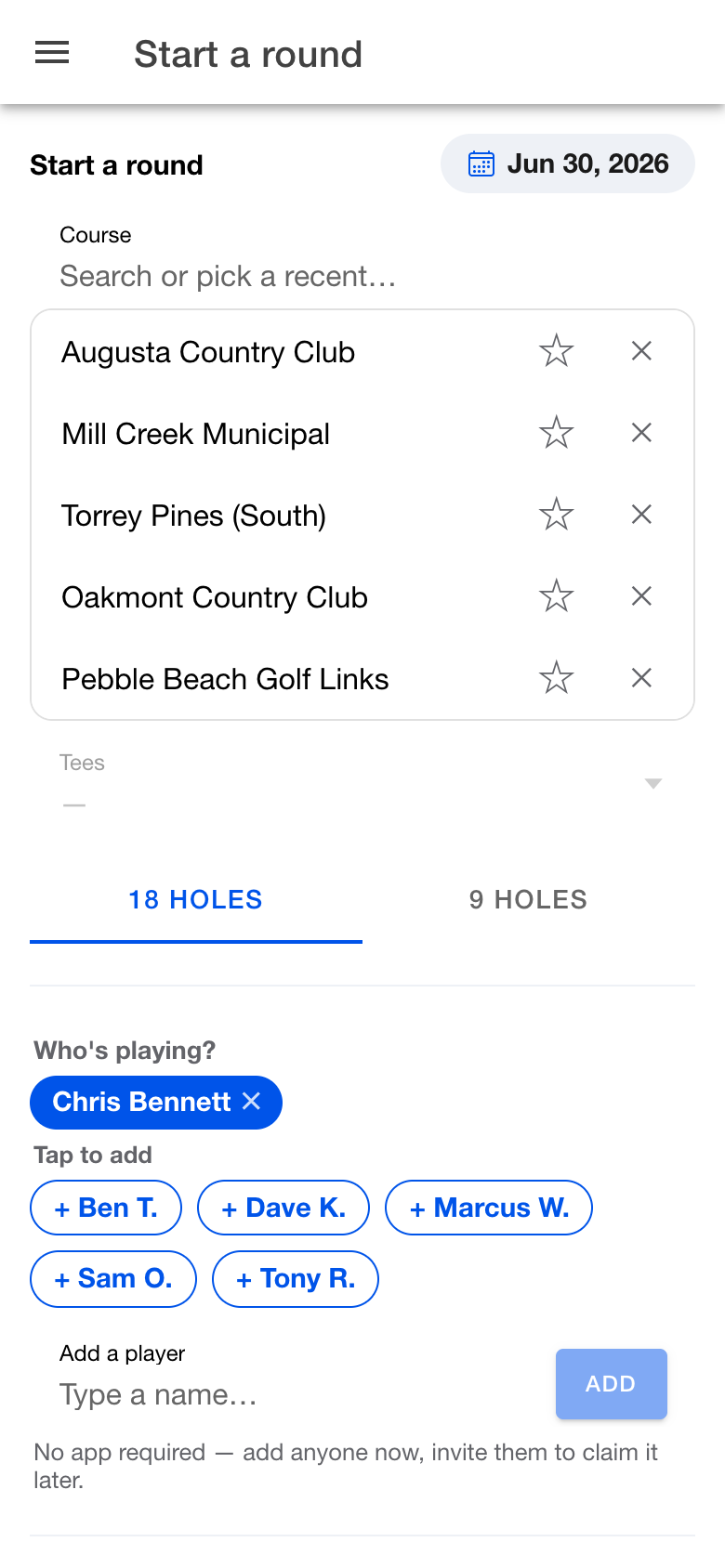
From your home screen, tap Start a round. Pick your course and tees — it remembers the places you play, so it’s usually one tap.
- 2
Add who’s playing
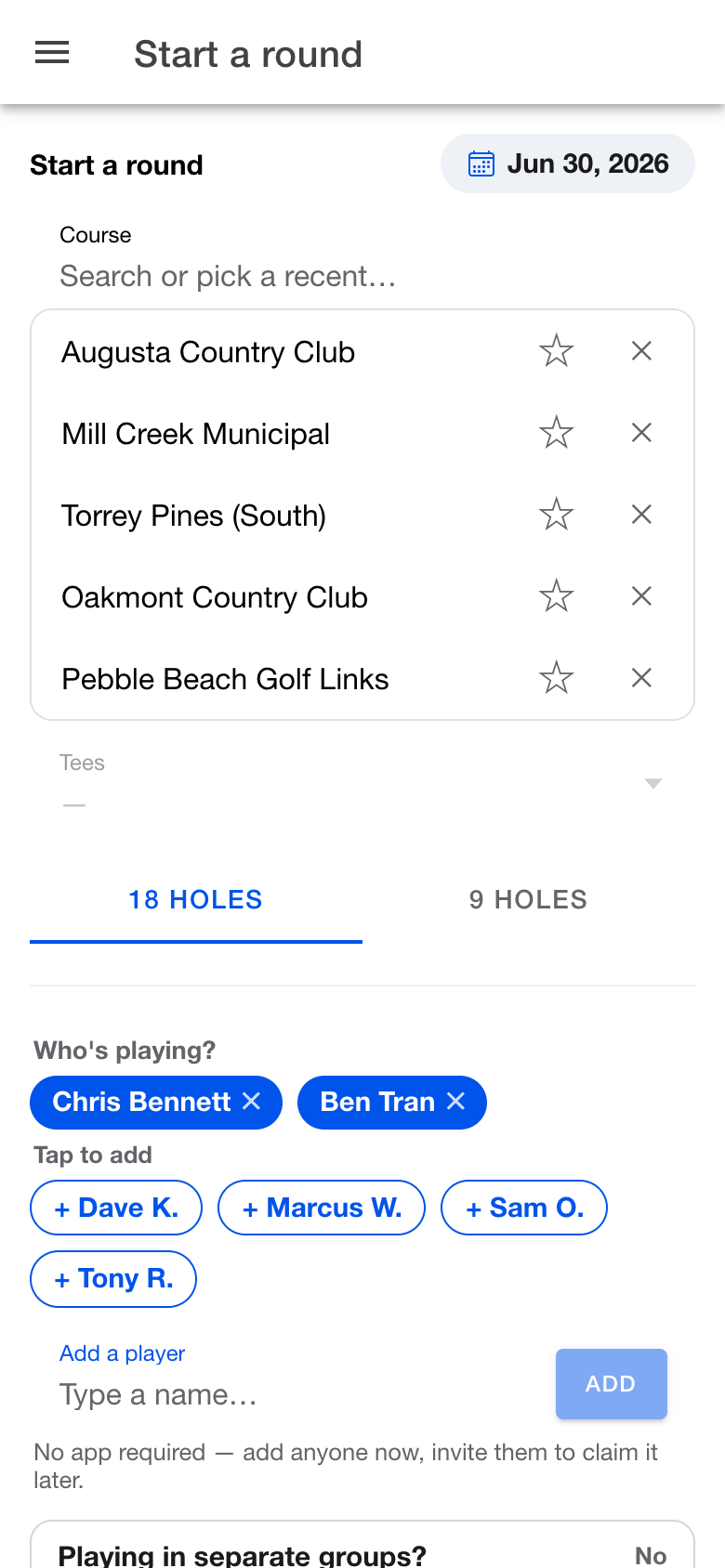
Add anyone by name. They don’t need the app — you can invite them to claim their spot later. Tap a recent buddy to add them instantly.
- 3
Pick the game
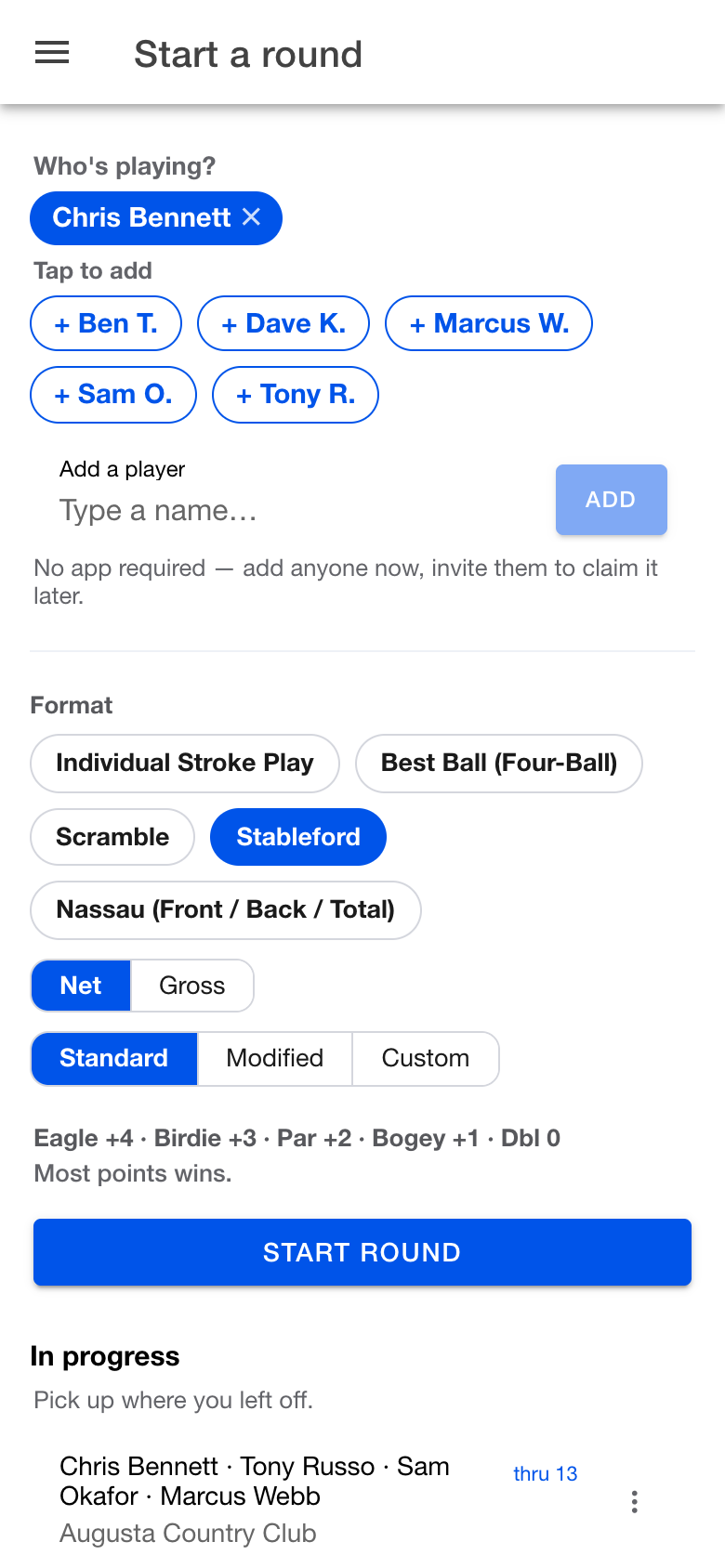
Choose your format — stroke play, Stableford (set your own points), best ball, scramble or Nassau. Playing for something? Flip on a game and pick skins, a match, or a Nassau.
- 4
Score it live
Everyone in the group can enter scores from their phone with a shared code. Bets settle as you play, and your fairways, greens and putts roll into your stats automatically.